Browser access
Chrome, Safari or Firefox from the last year or two handles the lobby. Keep auto-updates on and you won't need to think about it again.
Your whole lobby — slots, live tables and the betslip — fits a phone screen, and a verified device signs you in with a PIN or fingerprint instead of a fresh SMS code.
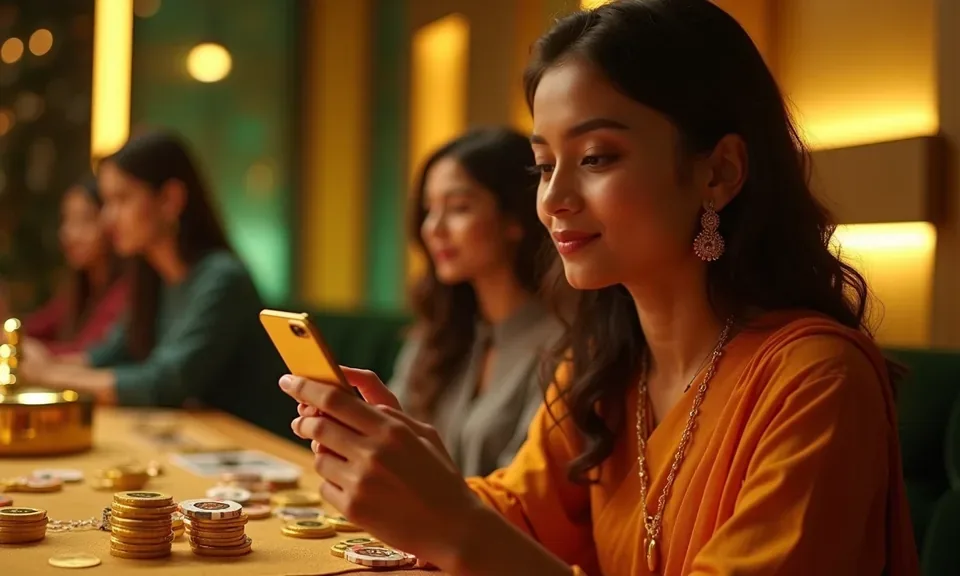
Speed is the first thing you feel. Fingerprint or face unlock replaces the OTP step on a device you've already verified, and a cold start drops you on the lobby rather than a login wall. Dark mode keeps the screen readable on a night bus without washing out the table felt. Push alerts are opt-in per category, so you can follow live tables without slot pings. And if the signal drops, the cached lobby preview still shows your last opened games — Baccarat Casino24, Easy Rocket Payout — until the connection returns.
Once you've verified a phone, face or fingerprint unlock replaces the six-digit SMS code. Sign-in drops to a single press, which matters when you're switching tabs between work and a live table.
The lobby switches to a dim palette after sunset or on demand, so a late session on the bus doesn't light up the whole row. Table felt and card colours stay true.
Alerts are split by category, so you can follow live table openings without slot pings interrupting a cricket over. Switch each one on or off inside the app settings.
If the network drops mid-session, the app keeps a snapshot of the last lobby you loaded, including tiles for Easy User Profile and Roulette Speedway, until data returns.
Any phone that runs a current Chrome, Safari or Firefox build can load the lobby; we don't publish a fixed device list because browser updates move faster than one. Screen layout adapts from small handsets up, though live tables read better on a wider screen. You'll need one account with a verified mobile number and a funded wallet — bKash, Nagad or Rocket — before tables unlock. Where a game publishes an RTP figure, its page shows it; if the studio doesn't expose one, we don't invent a number. Message support if a handset is unclear.
Chrome, Safari or Firefox from the last year or two handles the lobby. Keep auto-updates on and you won't need to think about it again.
Tiles reflow to a single column on smaller handsets, and the betslip stays within one thumb. Wider screens spread live tables across the view.
One account, a mobile number you can receive SMS on, and a wallet funded through bKash, Nagad or Rocket. That's the whole gate before play.
Open the site and load any tile; if it renders and the wallet opens, the device is fine. Still stuck? Message support with your phone model.
RTP appears on a game page only where the studio publishes it. Titles that don't expose a figure show rules and the paytable instead.

Slots open in the same tiles you see in the browser lobby — Pragmatic Play and PG Soft titles load inside the app frame, so a spin on Gates of Olympus is one tap after sign-in. Live tables sit in their own tab: Baccarat Casino24 and Roulette Speedway stream from Evolution studios, and you can drop back to the betslip between overs
of a BPL match without losing the table. The betslip itself stays docked at the bottom through the cricket season, so a football or cricket pick is a two-tap job. Quick deposit pulls your saved bKash, Nagad or Rocket reference, and alerts fire when a table you follow opens.

Open the current u0015 site in Chrome or Safari on your phone — that address is the one place to confirm whether a native build is live for your device, and the account page states it plainly. Next, check the browser handles our lobby: a recent Chrome, Safari or Firefox build loads the tiles, and if a page stalls, clearing cache usually
settles it. Then sign in with the mobile number tied to your account wallet and the OTP we send. Add the lobby to your home screen from the browser menu if you want a one-tap return; the shortcut behaves like an icon without a store step.
The app draws more questions than anything else we run, so the plain answers sit in one place. Whether a native build is live for your handset, how the browser version behaves, and what your account needs before a table unlocks — it's all below. If your device doesn't match, message Bangladesh support with your phone model and we'll check it against what's served on your handset today.
Service availability depends on eligible regions and local law. Users should check local rules before opening an account.
Access may be available only where local law permits.